Image to location
Find where any photo was taken.
Upload a photo and GeoPry estimates the place behind it — city, country, coordinates, and the visual clues that led there.
New search
Max 10 MB
- Free to try
- No photo metadata required
- Results saved to your private history
- Images
- JPG · PNG · WebP · HEIC
- Video
- MP4 · MOV · WebM
- Max size
- 10 MB per file
- You get
- Place, coordinates, confidence
Made for curious people
A photo can tell you more than you think.
GeoPry connects small details — terrain, buildings, roads, vegetation, weather, and light — to estimate where a moment belongs.
Satisfy your curiosity
Recognize the city, trail, landmark, or neighborhood hiding inside an old travel photo or a picture someone shared.
Verify what you see
Check whether an image plausibly matches the place it claims to show, then compare with other sources before drawing conclusions.
Explore with context
Get an estimated location with coordinates and a confidence score, then open it in a map to look around.
Example results
From visual signals to a place you can explore.
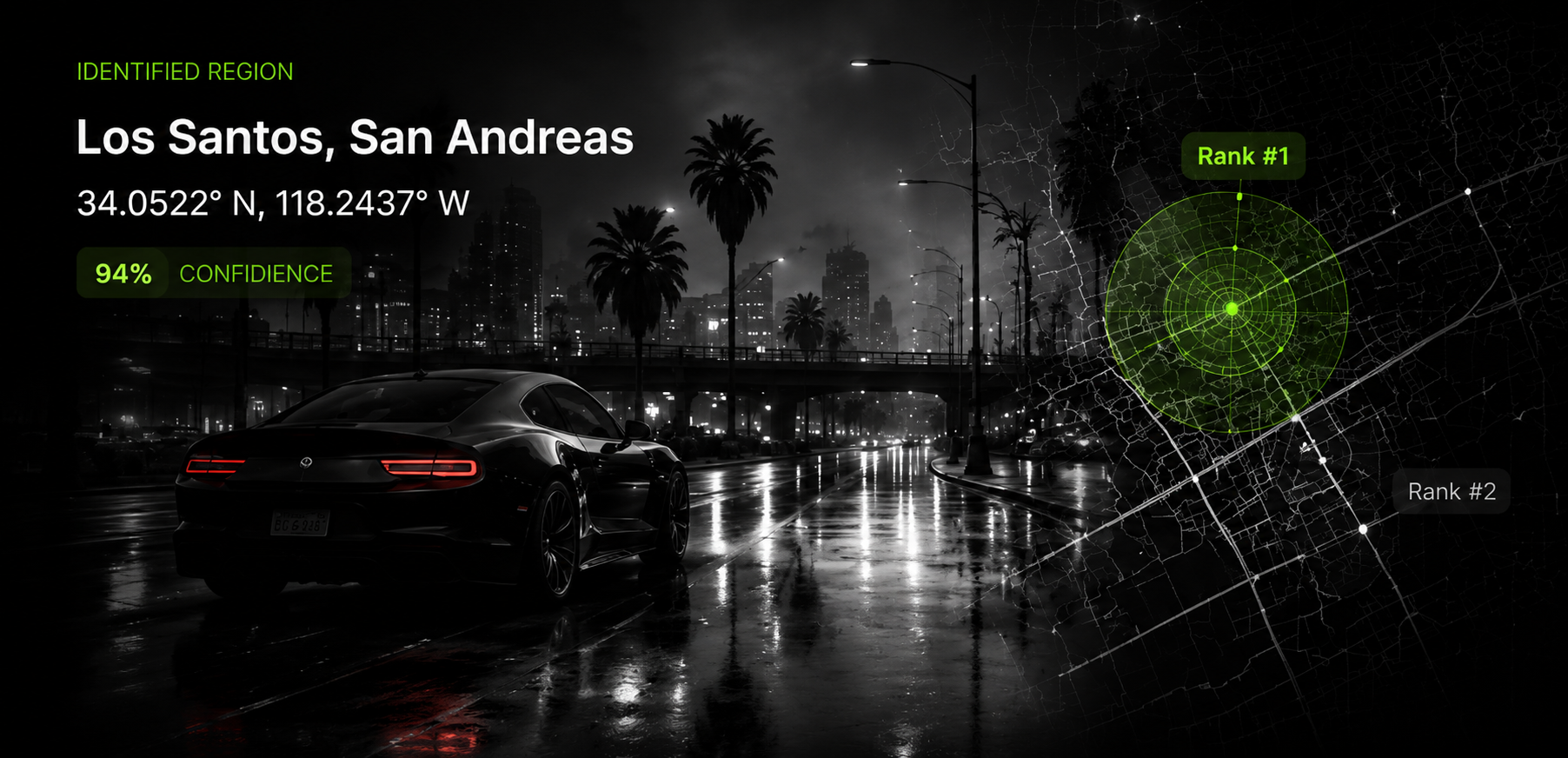 Illustration
City
Street scenes and skylines
Road layout, street furniture, and skyline shapes help narrow a scene down to a city or district.
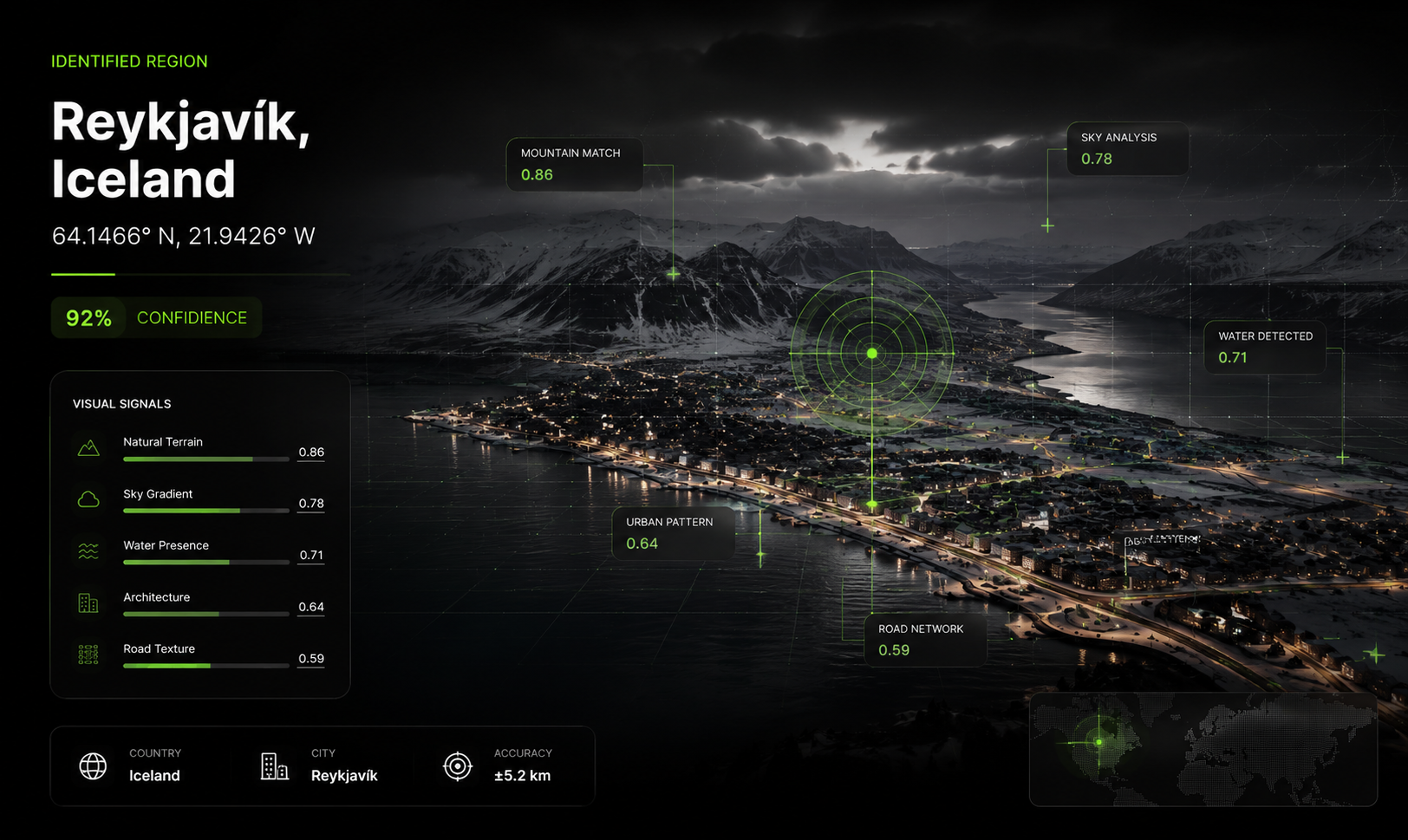 Illustration
Landscape
Terrain, water, and sky
Mountain profiles, coastlines, and light are strong regional signals when there are no signs to read.
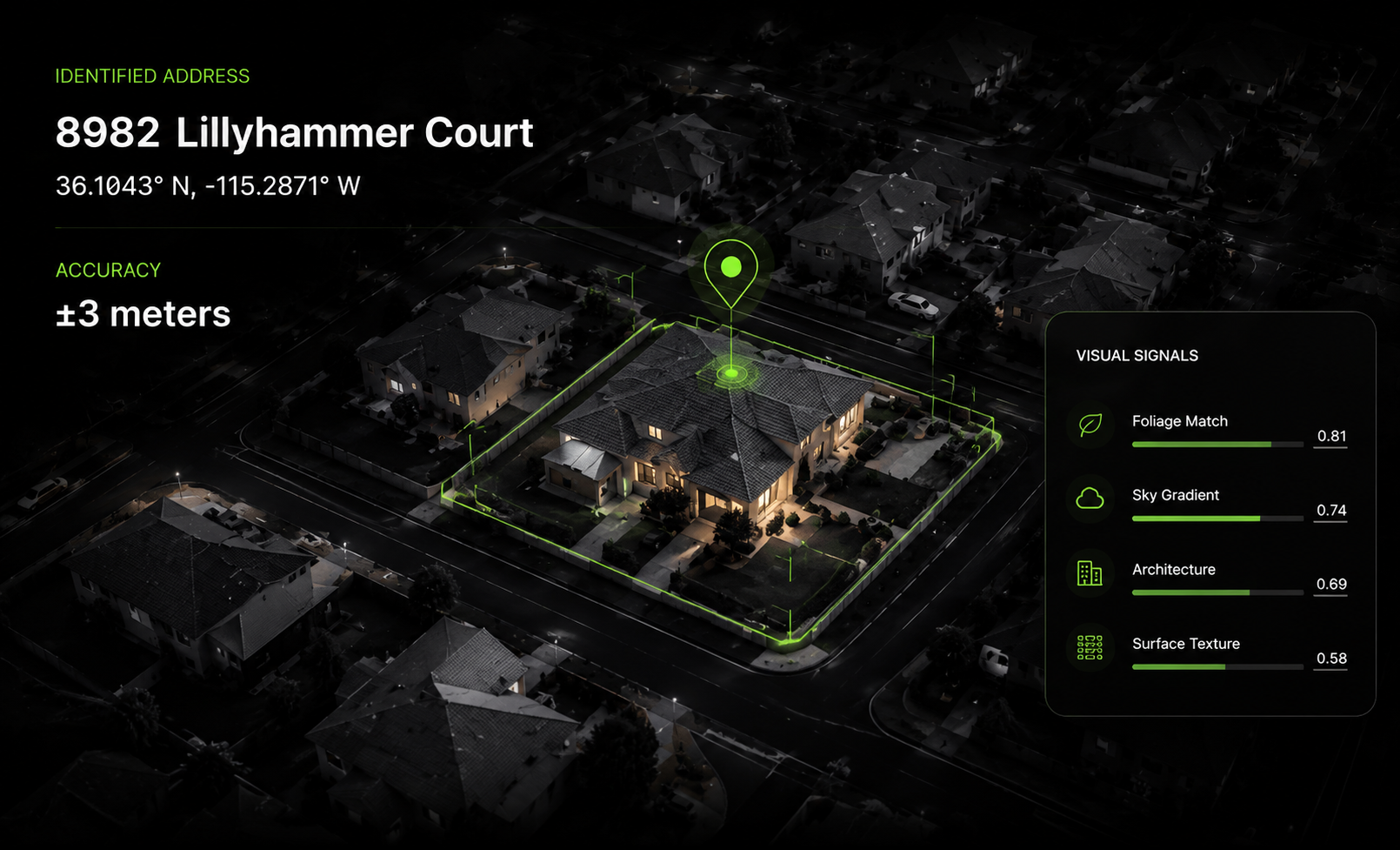 Illustration
Address
Neighborhood detail
With enough distinctive detail, an estimate can sometimes get down to street level — but not always.
These are concept illustrations, not real customer searches. A live result shows an estimated place, coordinates, a confidence score, and — when available — the reasoning behind the estimate. How precise it gets depends on the clues in your image.
How it works
Three steps to your answer.
Step 1 of 3
Upload
Choose a photo or short video from your device. Add an optional hint — a country, source, or time period — if you know one.
Step 2 of 3
We investigate
GeoPry reads the visual signals in the scene: terrain, architecture, roads, signage, vegetation, and light.
Step 3 of 3
Explore
Review the likely place, coordinates, and confidence. Copy the coordinates or open them in a map to look around.
Your uploads
How your images are handled.
A plain-language summary. Our Privacy Policy has the full details.
No metadata needed
GeoPry works from what is visible in the image, so screenshots and photos without EXIF data can still be analyzed.
Tied to your account
You sign in to search, and your uploads are used to produce your result. They are not displayed publicly.
Saved to your history
Each search, including a thumbnail of the image, appears in My Searches so you can revisit past results.
Remove it when you like
Delete any search from your history at any time from the My Searches page.
No. GeoPry reads visual details, so screenshots, cropped photos, and images without EXIF data can still work.
Outdoor scenes, architecture, roads, signs, landscapes, and recognizable visual details usually produce the strongest results.
Most images are analyzed in a few seconds with a likely city, country, coordinates, and confidence estimate.
Sometimes. Results depend on the visual clues available, so GeoPry may provide a neighborhood, city, region, or approximate coordinates instead.
Your image is used to provide your result and is not publicly displayed. You can also remove saved searches from your account.
Yes. Upload a photo from your camera roll or take a new photo directly from a supported mobile browser.
Every result includes a confidence level, and usually the reasoning behind it, so you can judge how strong the match is. Treat low-confidence results as a lead to check rather than an answer.
Ready to find the story in your image?
Start with one photo. You'll get an estimated place, coordinates, and how confident GeoPry is.